// PARTICLE PLAYER 05 · LIVE
GRAIN CINEMA
Every frame turns to light. The video becomes a 3D point cloud of up to 262,000 points that you can orbit, and the camera flies through it when you seek.
How it works
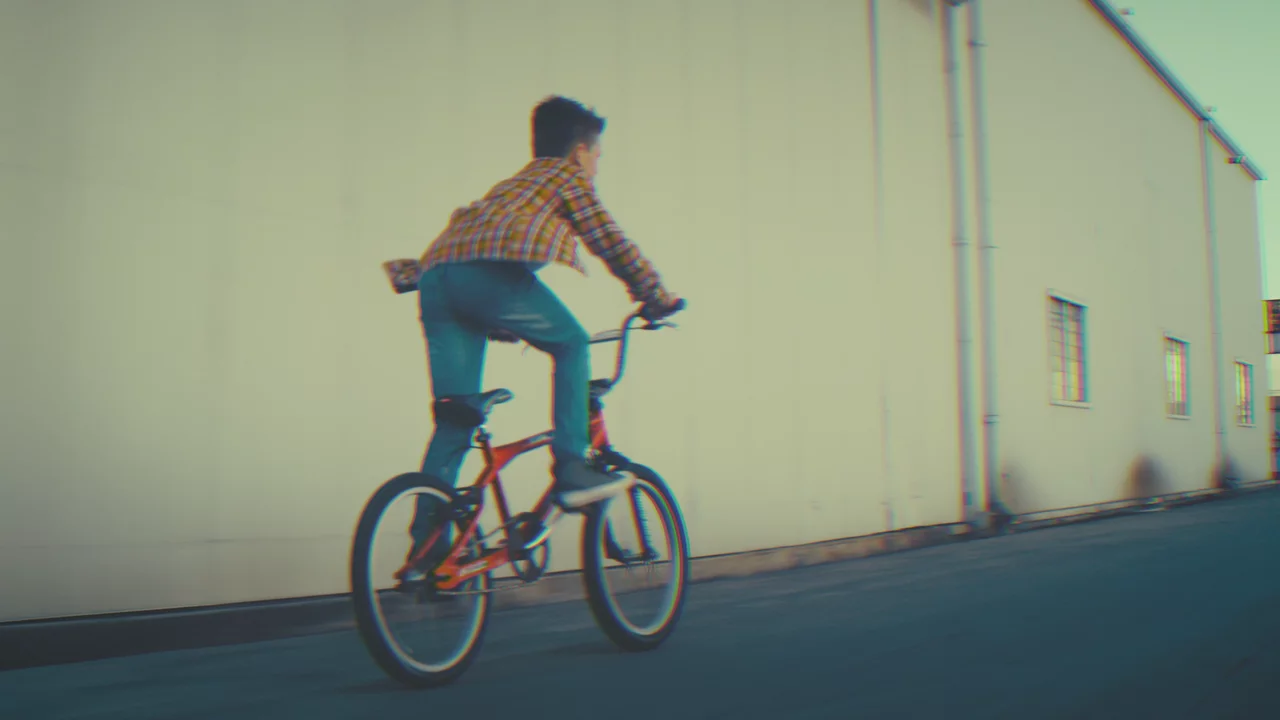
GRAIN CINEMA brings GRAIN from the Lab to moving pictures. Every frame of the video becomes a point cloud: up to 262,144 points, each carrying the live color of its pixel and pushed into depth by a smoothed brightness map, so bright areas come toward you and shadows fall away. It's seen through a real perspective camera. While the video plays the camera holds front-on, so you're simply watching the video in light, with the bass pushing the relief out on every hit. Pause and the camera drifts into a slow orbit around the frozen frame while it breathes. Drag the picture at any time to orbit it yourself, and the camera settles back when you let go. Seeking flies the camera through the cloud, the load condenses the picture out of a scattered cloud, and the ending explodes it into drifting points.
The palette button cycles true color, amber, hologram and infrared, and a live readout in the corner shows the camera angle along with the point count and frame rate. Controls sit in the same glass dock as INK and EMBER. Every control is a real Video.js control with keyboard support and visible focus. The point count drops on its own if a device can't hold the frame rate, reduced motion keeps the camera still and front-on, and without WebGL2 it falls back to the plain video.
Controls
- Space Play or pause
- ← → Seek 10 seconds
- ↑ ↓ Volume
- 0–9 Jump to 0–90%
- M Mute
- F Fullscreen
- 2× tap Sides seek, center goes fullscreen
- Drag Orbit the camera
- Palette Cycle the point colors
// THE BRANCH
Particle players. Each one turns the picture into something else.
- LIVE
SPILL
The movie lights the room.
Bias lighting for the web: 48 LEDs behind the TV throw the picture's colors across the wall.
- LIVE
SWARM
The player is made of light.
The video plays untouched inside a black hole, a cherry blossom storm or a murmuration of starlings.
- LIVE
INK
The video, poured into water.
A fluid solver carries the picture. Pause and it melts into technicolor ink.
- LIVE
EMBER
The picture burns.
Bright pixels shed embers that rise through the fluid and relight the frame.
- LIVE
GRAIN CINEMA
Every frame turns to light.
The video as a 3D point cloud you can orbit. The camera flies through it when you seek.
- CONCEPT
MURMURATION
Every cut is a flock.
Tens of thousands of birds settle into the picture, scatter on every scene cut, and regroup into the new shot.
- CONCEPT
GLYPH
Type is the pixel.
The picture drawn in live colored characters on stacked depth layers that tumble apart when you seek.
- CONCEPT
LIQUID CHROME
Mercury that remembers.
Particles that render as liquid metal reflecting the video. They pool when you pause and pull back into the frame on play.